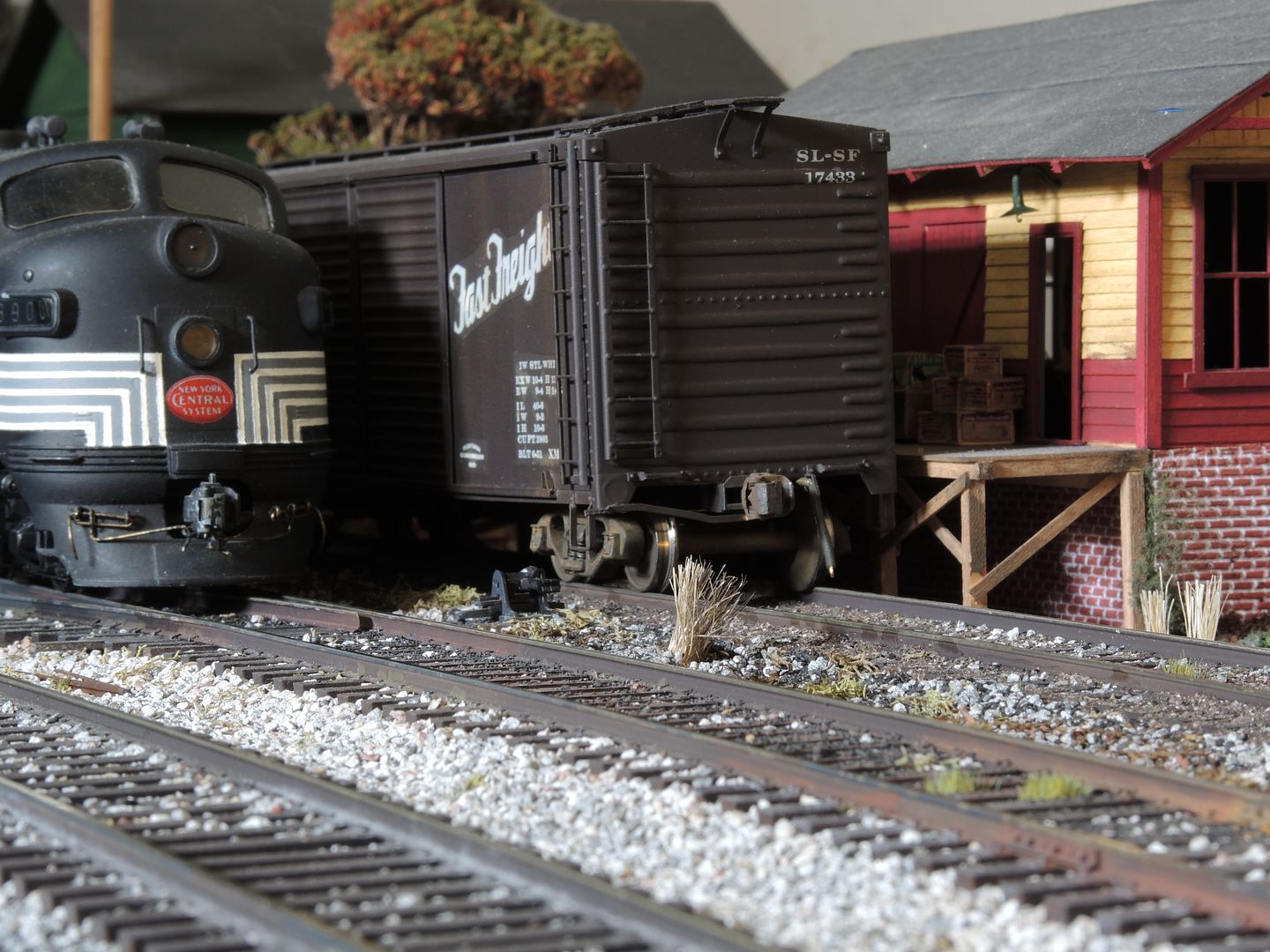
.
Hobo Jungle
- MurphOnMillerAve
- Posts: 18489
- Joined: Fri Jul 18, 2008 10:18 pm
- Location: Kennywood Park
- Contact:
MartyE posted a great pictorial tutorial on June 23, 2007 on the 3rail forum, and it should be on page 19 which covers that dateline, but the post is not there. I have it printed out and mounted in my notebook. I checked under cameras, railfanning, and under the resources forums but I still can't find it.
For you guys that are picture posting challenged, maybe Marty can repost it.
If you agree with the Progressives, it's freedom of speech. If you disagree, it's hate speech. There are no alternatives.
-
jperrine
Well I figured out how to get a vidoe on You Tube. I got one of 90 last year now I got one of the 475 on from yesterday. Love the whistle too. I tryed another video but it was too long to put it on. but try checking this one out.
http://www.youtube.com/watch?v=DY3PDpWBMzk
I just tryed it and it works.
Jim
http://www.youtube.com/watch?v=DY3PDpWBMzk
I just tryed it and it works.
Jim
- MurphOnMillerAve
- Posts: 18489
- Joined: Fri Jul 18, 2008 10:18 pm
- Location: Kennywood Park
- Contact:
Mitch wrote:It ain't that hard to post from your own albums here, guys.
........Murph, you might recognize this.
Yikes! Now, that was a shocker! Wow.
But thanks for the effort mentioned in your next posting where you said you searched for the info.
Murph
(Somehow, I got the idea my photos were composed of too many gigabites,or something-or-other, to post herein, but I guess that's not the case, obviously.)
-
jperrine
Murph, here's the long and the short of it. First of all, I use Firefox as my browser, so if you use Internet Explorer the process is different.
You already have your pics hosted in the Photo forum. If you want to post a pic in a reply to a thread, there's a couple of ways to do it.
1. Begin your reply, and when you want to show the pic, hit enter a couple of times to bring the pic out below your message. Across the top bar of the reply box, you see the box that says Img? Hit that, and it will show like the beginning of a new paragraph. But now, if you look back up at the box, you'll see Img*, with the asterisk. More on that in a bit. Now go to the top of the browser screen and open a new window, and then go to MTJ, photo forum, and your account.
Bring up the pic that you want to post, and open it. Then right click on the pic and a pop-up window will show, and then with the mouse, left click "copy image location". You don't have to close the pic window, just go back down to the bottom of screen and left click back on to MTJ, and your reply window will be there. Immediately after Img, in the very next space, put the cursor so that it is the next thing after the Img with no spaces in between, and then right click to bring up the pop up window, and then left click on Paste. The complete URL of your pic should now appear. Immediately after the URL shows, go back up to the top box and left click on the Img*. And that's it. If you want to see your pic, just scroll down and hit preview. If it shows the pic there, ya done good. If not, ya fu%ked up.
If you want to put multiple pics in, just space down a few, hit Img again, and then go back to your picture account and grab another one.
You already have your pics hosted in the Photo forum. If you want to post a pic in a reply to a thread, there's a couple of ways to do it.
1. Begin your reply, and when you want to show the pic, hit enter a couple of times to bring the pic out below your message. Across the top bar of the reply box, you see the box that says Img? Hit that, and it will show like the beginning of a new paragraph. But now, if you look back up at the box, you'll see Img*, with the asterisk. More on that in a bit. Now go to the top of the browser screen and open a new window, and then go to MTJ, photo forum, and your account.
Bring up the pic that you want to post, and open it. Then right click on the pic and a pop-up window will show, and then with the mouse, left click "copy image location". You don't have to close the pic window, just go back down to the bottom of screen and left click back on to MTJ, and your reply window will be there. Immediately after Img, in the very next space, put the cursor so that it is the next thing after the Img with no spaces in between, and then right click to bring up the pop up window, and then left click on Paste. The complete URL of your pic should now appear. Immediately after the URL shows, go back up to the top box and left click on the Img*. And that's it. If you want to see your pic, just scroll down and hit preview. If it shows the pic there, ya done good. If not, ya fu%ked up.
If you want to put multiple pics in, just space down a few, hit Img again, and then go back to your picture account and grab another one.
If you agree with the Progressives, it's freedom of speech. If you disagree, it's hate speech. There are no alternatives.
Return to “The Club Car Lounge”
Who is online
Users browsing this forum: No registered users and 78 guests